Click the menu in the top right corner
Select “Safety Zone”
Click + in the top right
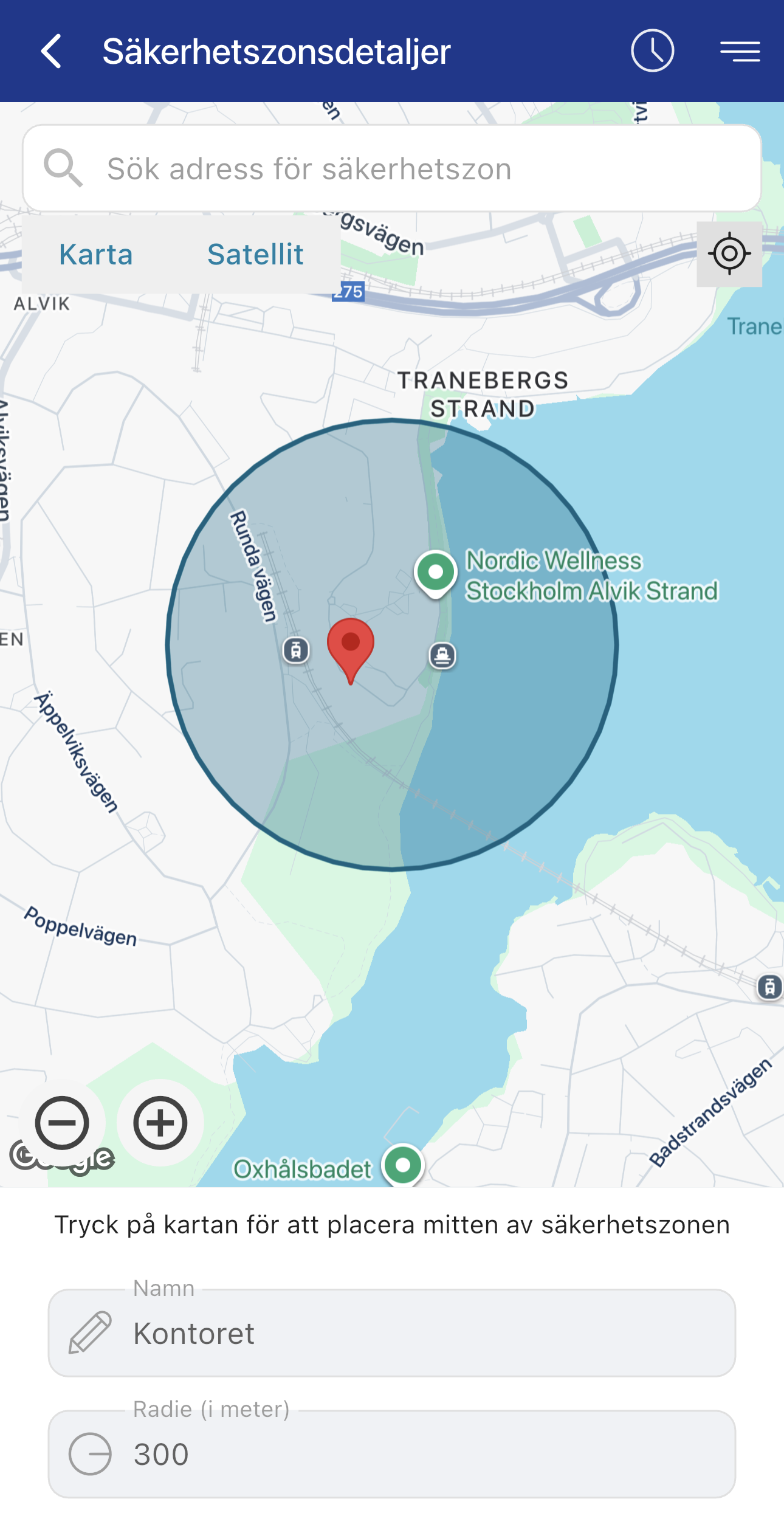
Choose the area where the tracker will be located
Name your safety zone
Set the radius of the safety zone (minimum 300 m)
Save
Done
Make sure the safety zone is activated.
Check that the main alarm switch is not activated (when it is active, no alarms are sent from the device).
A. Scout 2.0 – Check your update interval. The device only triggers an alarm when a GPS signal is sent and it is located outside the zone.
B. If the “Safe Zone” rule is enabled, the device will not trigger an alarm if it leaves one zone and enters another zone that is also active.
Machine Connect / Machine Easy – If it is a larger vehicle moving slowly, it may take longer for the device to wake up. Contact support and we can increase the sensitivity of the device.
If you drive too slowly into the safety zone, the device may enter sleep mode too early and fail to register that you entered the zone. In that case, you will not receive an alarm because the device never registered that you entered the zone.
If this does not help, contact NorthTracker support:
Tel: +468 – 25 96 00
Email: info@northtracker.com
Genom att fylla i detta formulär godkänner du att vi hanterar dina uppgifter. Läs mer hur vi hanterar din data här: Länk till integritetspolicy
Genom att fylla i detta formulär godkänner du att vi hanterar dina uppgifter. Läs mer hur vi hanterar din data här: Länk till integritetspolicy
En remplissant ce formulaire, vous acceptez que nous traitions vos données personnelles.
En savoir plus sur la gestion de vos données : lien vers la politique de confidentialité.
Genom att fylla i detta formulär godkänner du att vi hanterar dina uppgifter. Läs mer hur vi hanterar din data här: Länk till integritetspolicy
En remplissant ce formulaire, vous acceptez que nous traitions vos données personnelles.
En savoir plus sur la gestion de vos données : lien vers la politique de confidentialité.