





7. Do You Have Older Yachtsafe Products You Want to Use with NorthTracker Machine Connect?
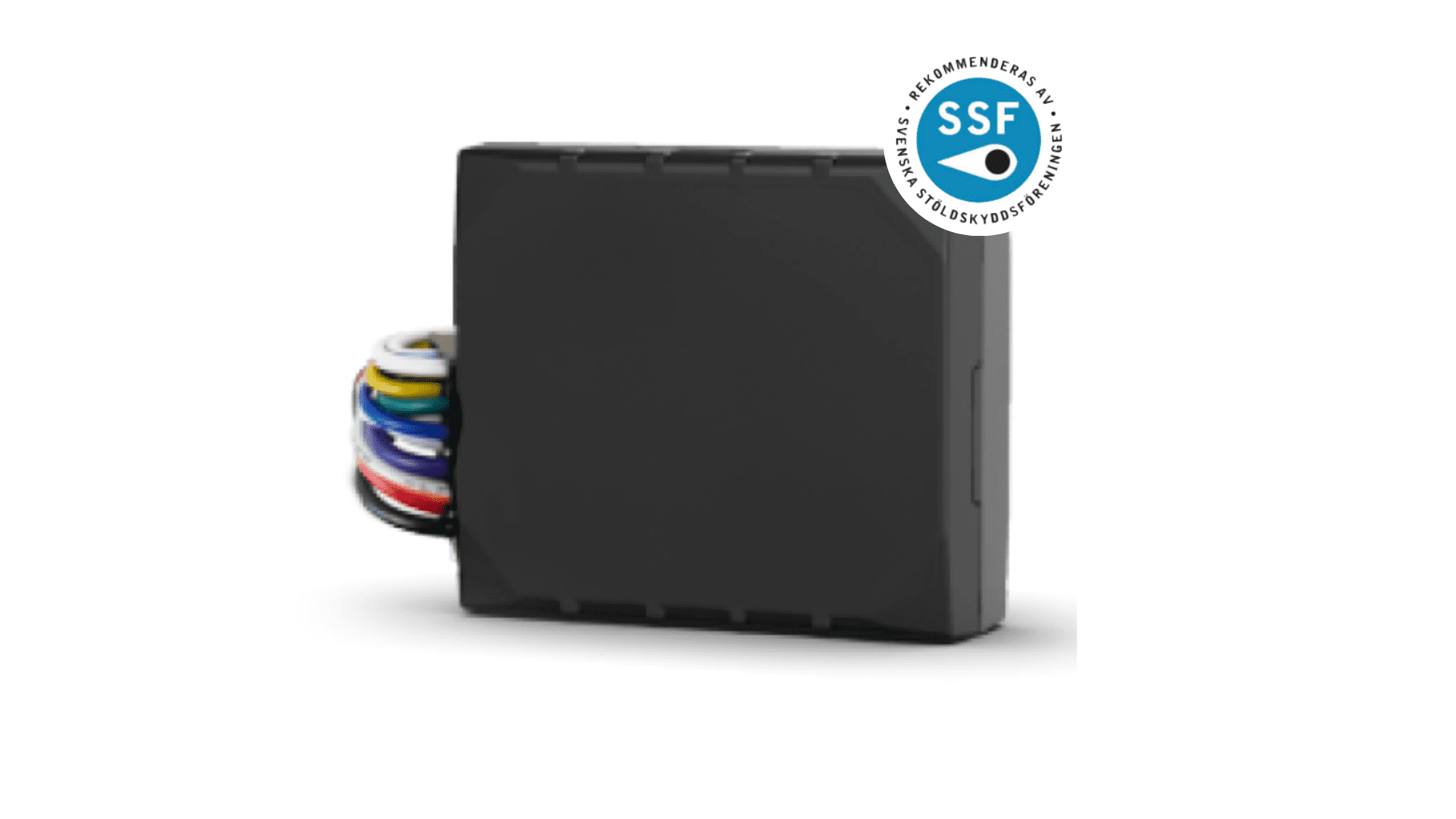
Several older Yachtsafe products work perfectly with the new NorthTracker Machine Connect.
Quick Guide
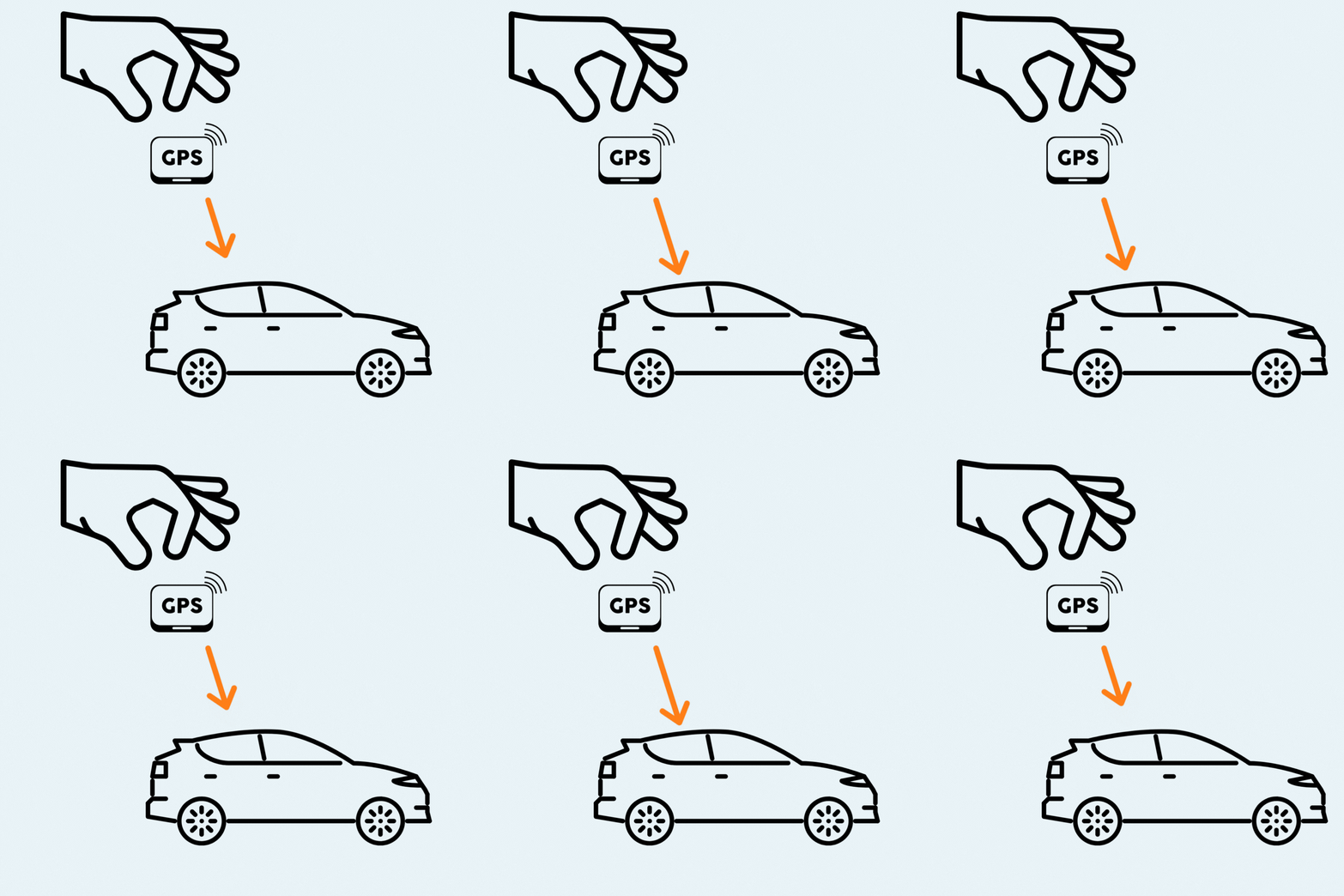
Here is a step-by-step guide on how to activate your theft protection from NorthTracker:
You’re all set!
Extra Tips on Features You May Find Useful
Depending on which device you have installed, there are various additional features available. Here are some general tips:
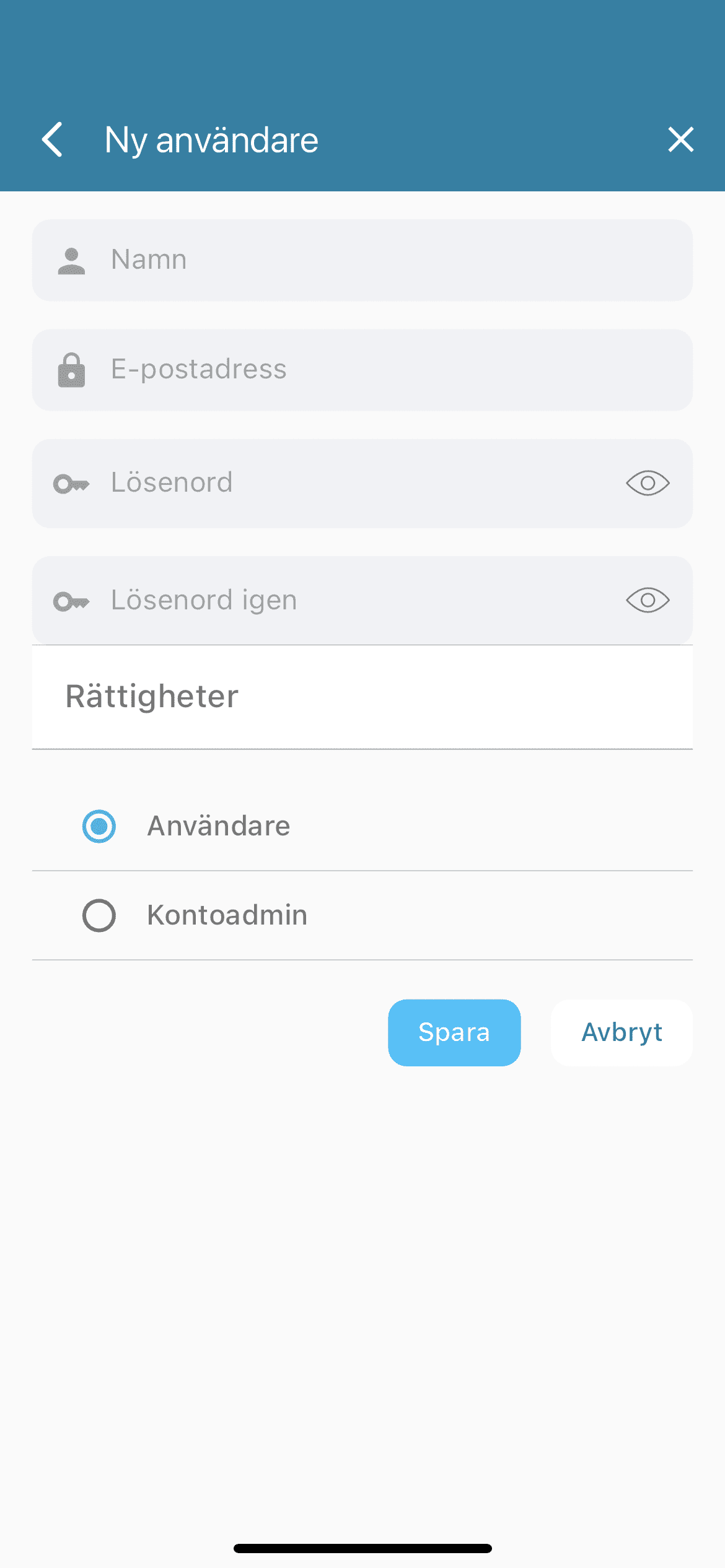
You can add more users so they can share the account and use the features.
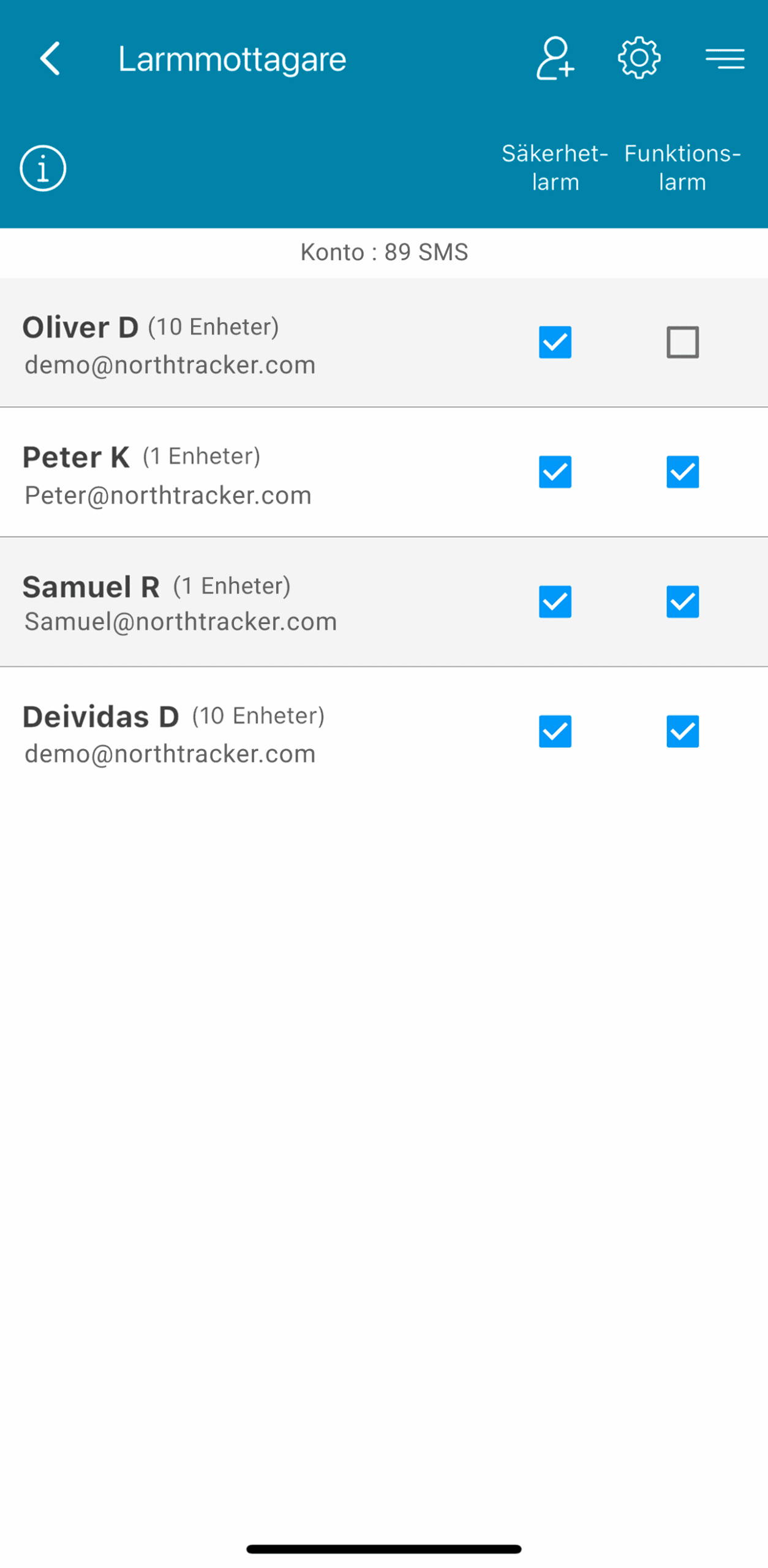
Add additional alarm recipients so alerts are sent to multiple people. You can add both account users and external contacts – simply provide their email address and phone number.
Add an object description to help police or your insurance company identify the device in the event of theft.
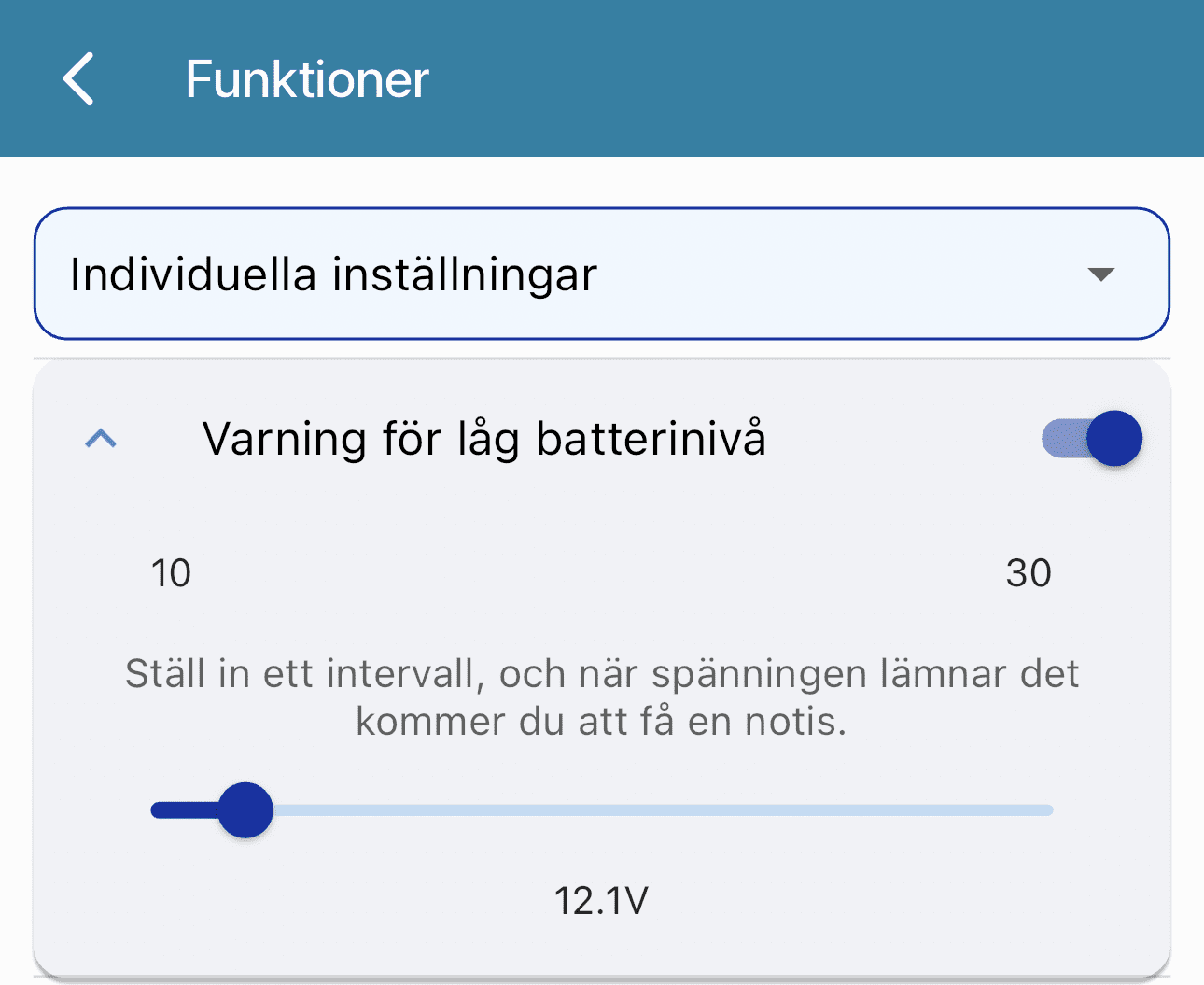
Enable power supply alerts to receive notifications if your device loses power.
Activate outputs so that ignitions (DOUT) are triggered on entry (DIN) and any DOUT-connected devices activate automatically.
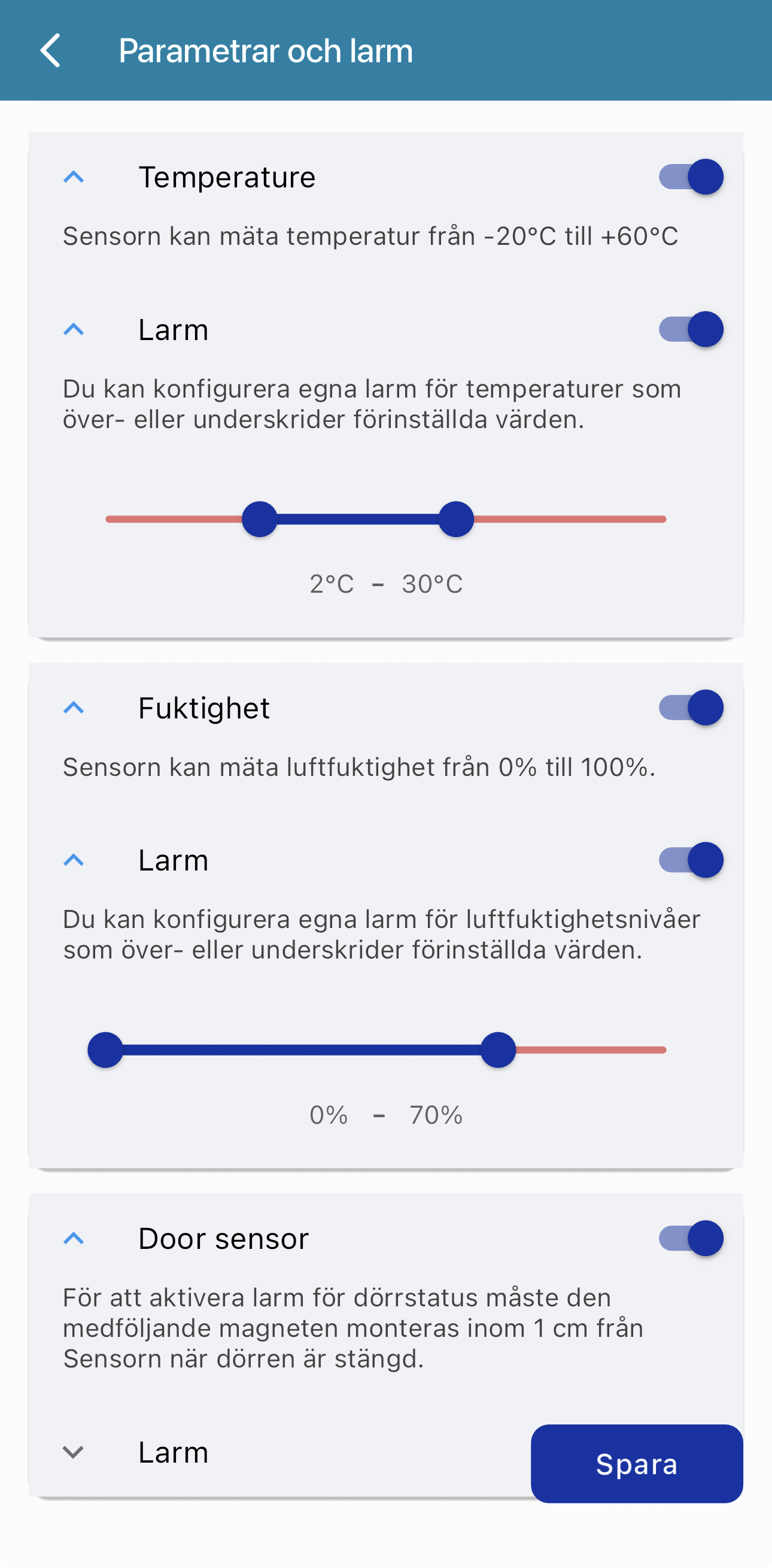
Connect additional sensors such as door sensors, temperature, and humidity sensors to monitor cabin access and climate conditions.
Do you have older YachtSafe devices you want to reuse? We have a guide showing you how.
If you have any questions, please contact NorthTracker Support.


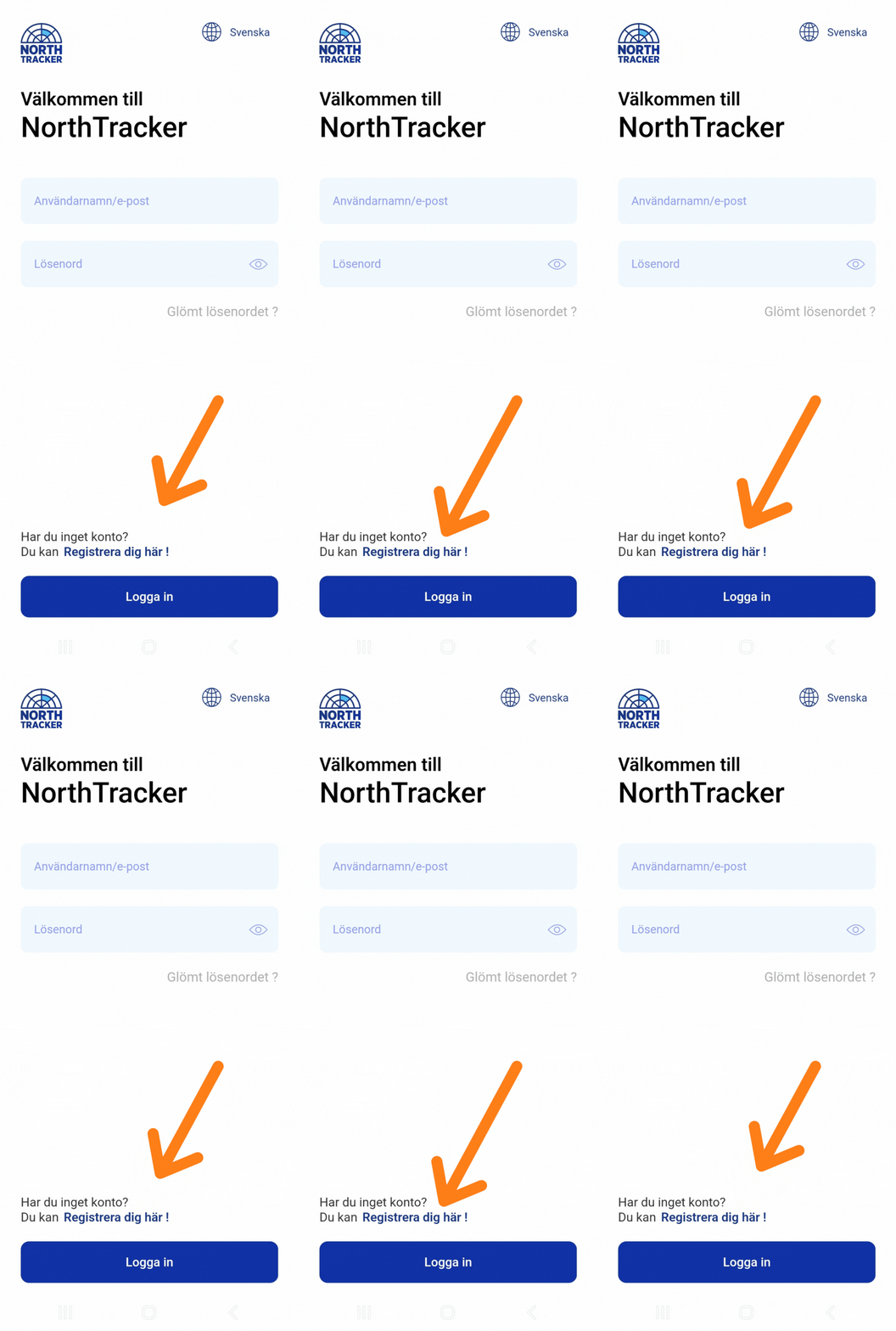
2. Register an Account
Done
3. Connect and Place the Device
Connect the device to an external power source.
Place the device carefully. Note: The tracker needs contact with GPS satellites, so materials such as metal or carbon fiber may negatively affect signal reception.
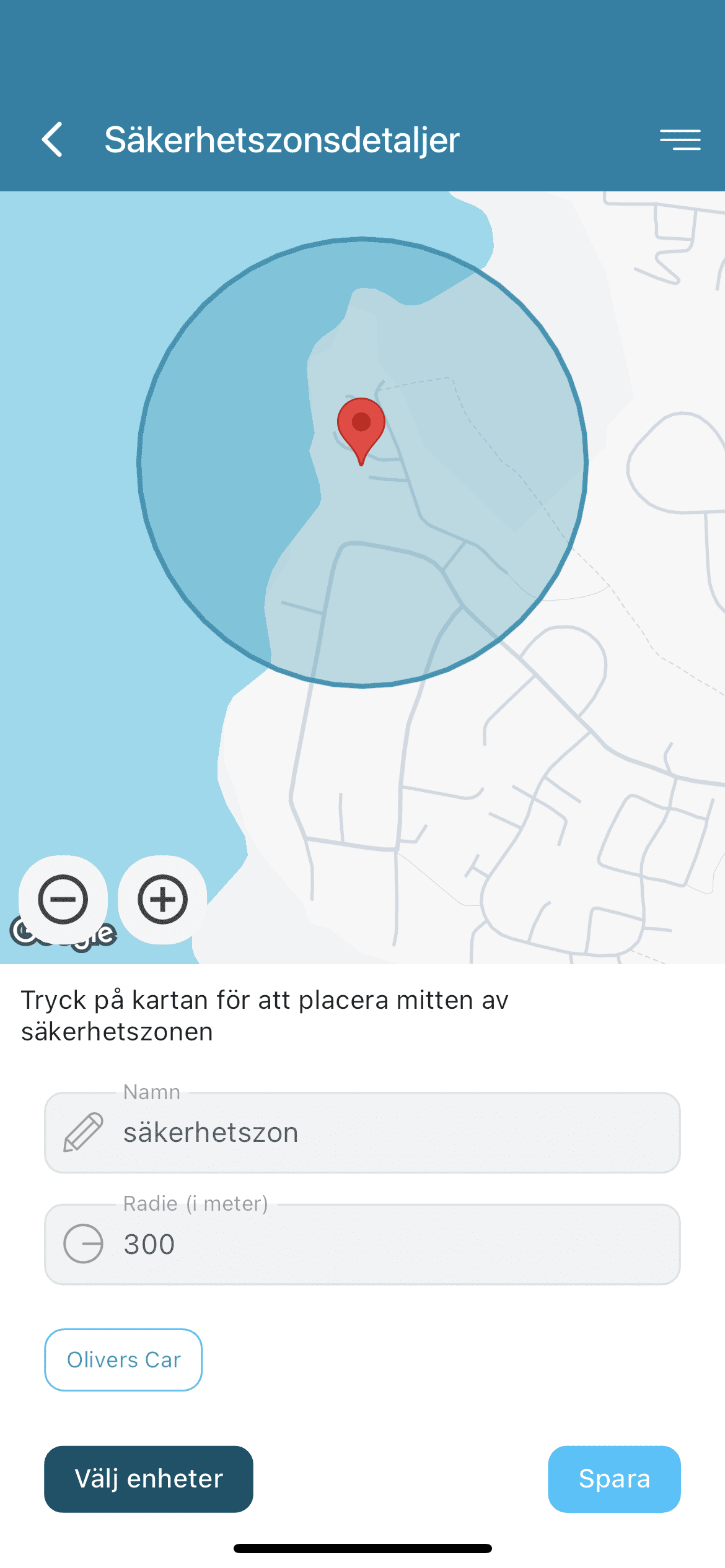
4. Create a Safety Zone / Geofence
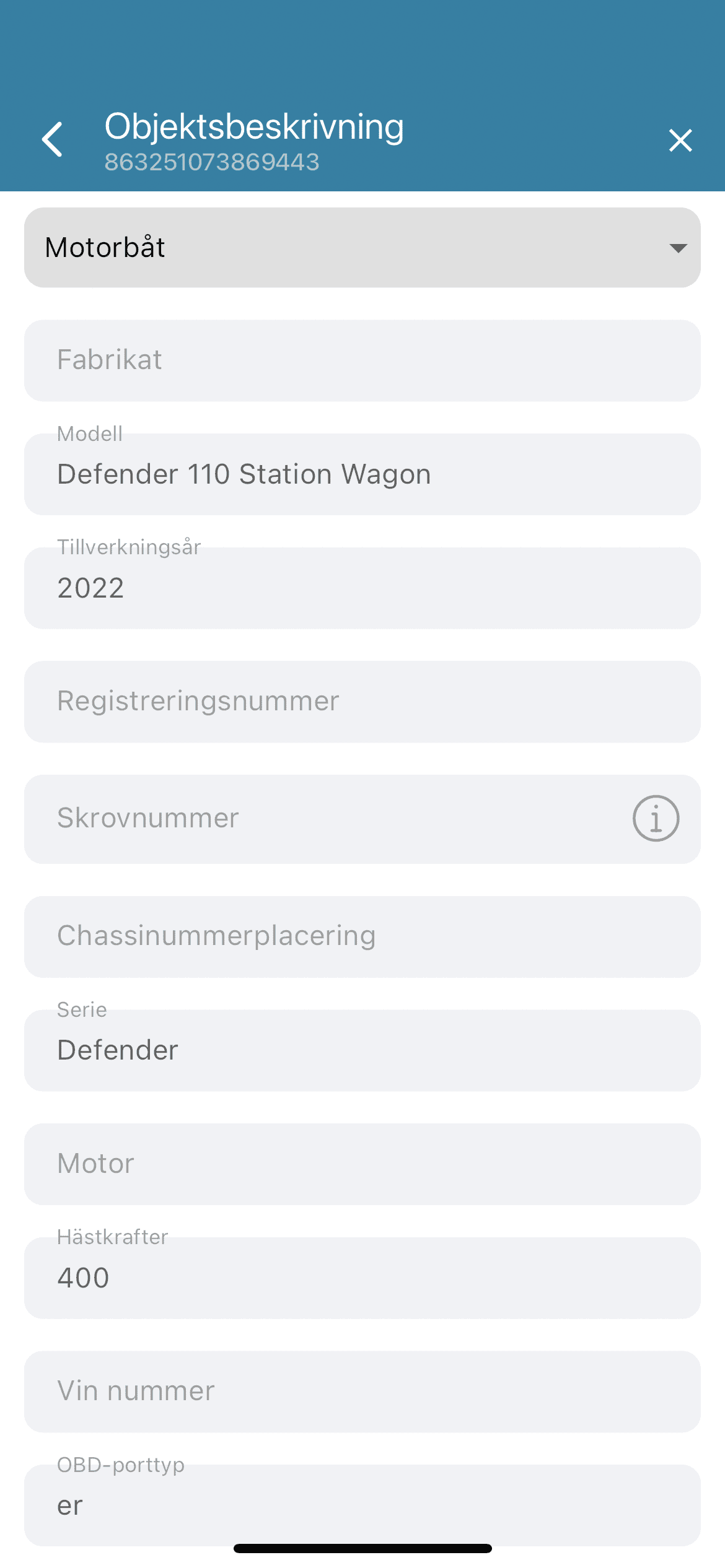
We recommend filling in the object description to assist insurance companies and the police in case of theft.
Click on “Device”
Select “Functions”
Enable “Low battery warning”
Set a minimum voltage threshold
Done
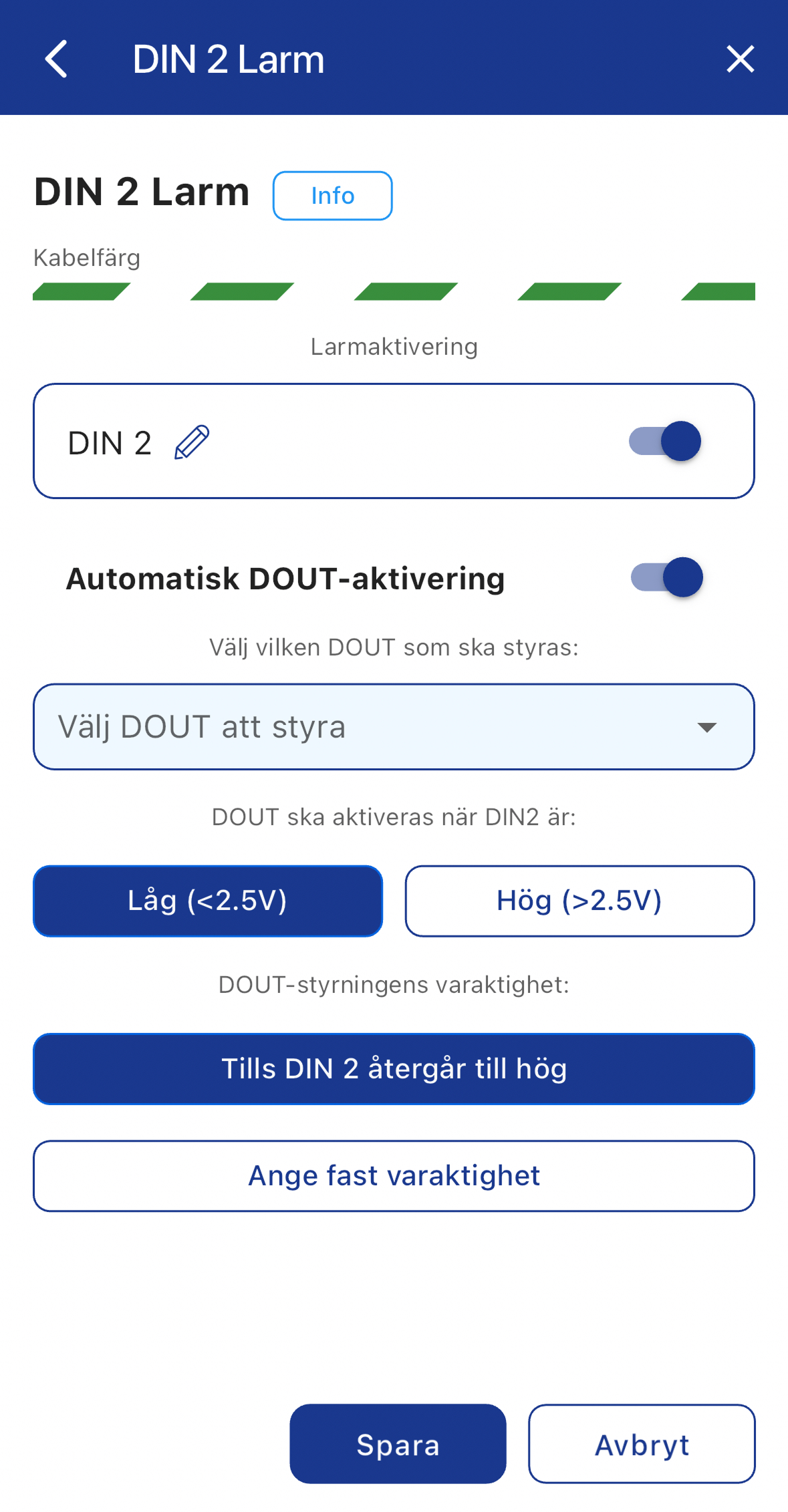
The signal horn connects to one of the outputs (DOUT) on Machine Connect.
In the app, you can configure the output to activate automatically when one of the inputs (DIN) triggers an alarm. You can also set a time-controlled activation so the horn sounds for a predefined number of seconds.
The Yachtsafe pressure mat is wireless but has a long cable extending from it.
You can remove the wireless transmitter box and instead connect the mat directly: one wire to +12 V and the other to a digital input (DIN) on Machine Connect.
The unit draws virtually no power until someone steps on the mat, and even then, consumption is very low. The advantage of using a wired connection is that you eliminate the risk of the battery running out.
If you have the older Yachtsafe bilge alarm (larger unit with a black plastic wheel on the side), it is not compatible with Machine Connect.
However, the newer small white bilge alarm with a cable connected to a radio transmitter can be used: remove the radio transmitter and connect the sensor directly to Machine Connect — one wire to +12 V and the other to a digital input (DIN).
The Yachtsafe shore power monitoring unit cannot be modified for use with Machine Connect. However, Machine Connect includes built-in monitoring of the service battery bank, including an alarm function where you can set the voltage level at which you want to receive an alert.
If you have a charger that maintains the battery bank, the voltage will typically not drop below approximately 13.1 V. In that case, you can set the alarm in Machine Connect to, for example, 13.0 V. If shore power is interrupted, the charger stops charging and the voltage drops — triggering an alarm within approximately one minute.
If you do not have a battery charger connected, you can install a 220V relay to receive an alarm. This solution also works with 24V systems.
If you have an IR detector/motion sensor from Yachtsafe, it can be modified if you have some technical knowledge. However, our recommendation is not to use motion sensors, as they often trigger false alarms.
If you still wish to use one, you can purchase any motion sensor that supports NC or NO alarm output:
NC (Normally Closed)
NO (Normally Open)
If you are comfortable with soldering, it is possible to modify the Yachtsafe motion sensor. Inside the unit, there is a small LED — this is the light that turns red when someone passes in front of the device. You can solder one of our sensor cables to the LED connection so that the system detects when current flows through it and triggers an alarm accordingly.
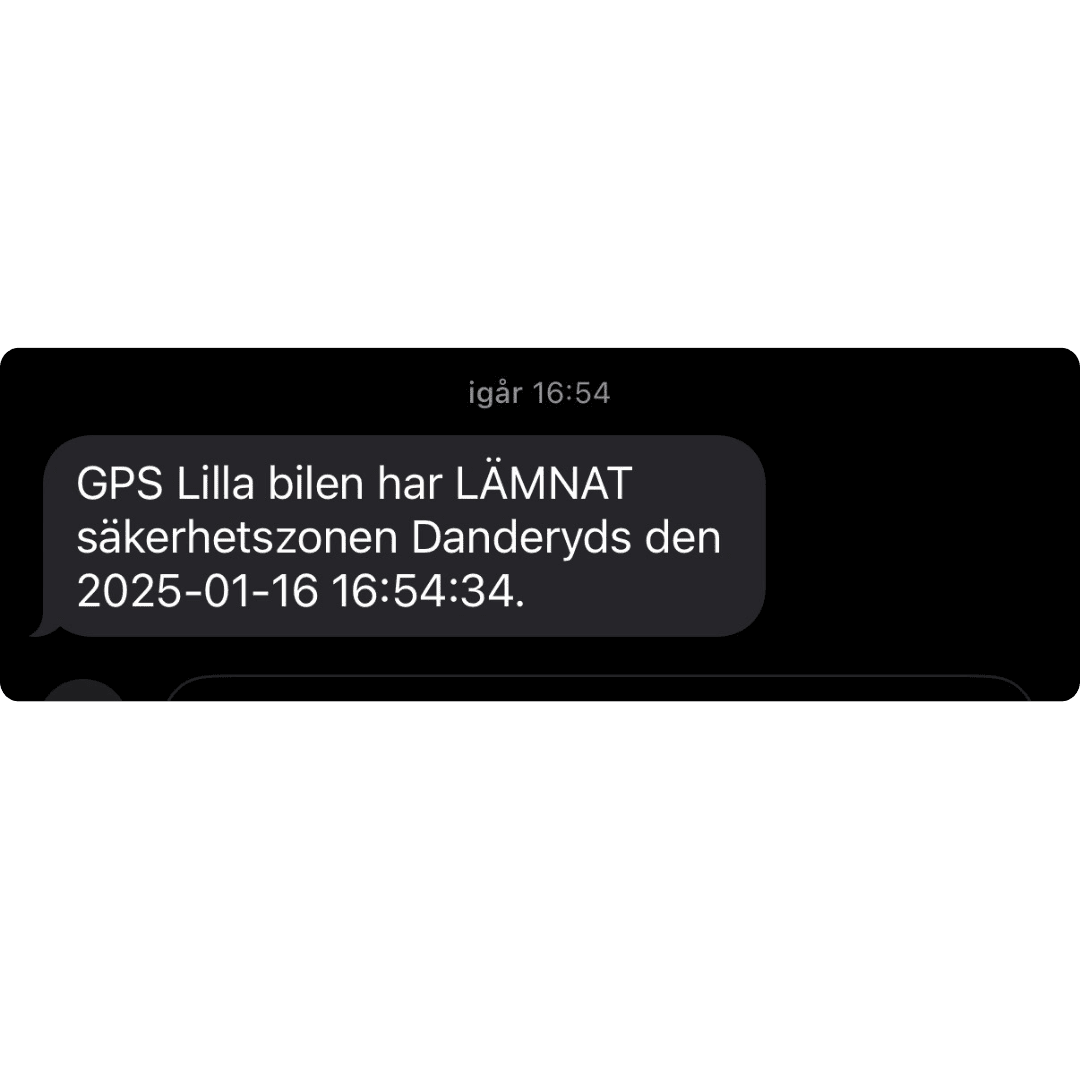
If the GPS tracker leaves a safety zone, an alarm can be sent via email, push notification, and SMS to the alarm recipients you have configured in the system.
If you receive an alarm and need assistance, you can call our 24/7 theft support line at:
+46 (0)8 25 96 99
Please note: This number is only to be used in the event of an ongoing theft.
Contact NorthTracker Support:
Tel: +46 (0)8 25 96 00
Email: info@northtracker.com
Genom att fylla i detta formulär godkänner du att vi hanterar dina uppgifter. Läs mer hur vi hanterar din data här: Länk till integritetspolicy
Genom att fylla i detta formulär godkänner du att vi hanterar dina uppgifter. Läs mer hur vi hanterar din data här: Länk till integritetspolicy
En remplissant ce formulaire, vous acceptez que nous traitions vos données personnelles.
En savoir plus sur la gestion de vos données : lien vers la politique de confidentialité.
Genom att fylla i detta formulär godkänner du att vi hanterar dina uppgifter. Läs mer hur vi hanterar din data här: Länk till integritetspolicy
En remplissant ce formulaire, vous acceptez que nous traitions vos données personnelles.
En savoir plus sur la gestion de vos données : lien vers la politique de confidentialité.