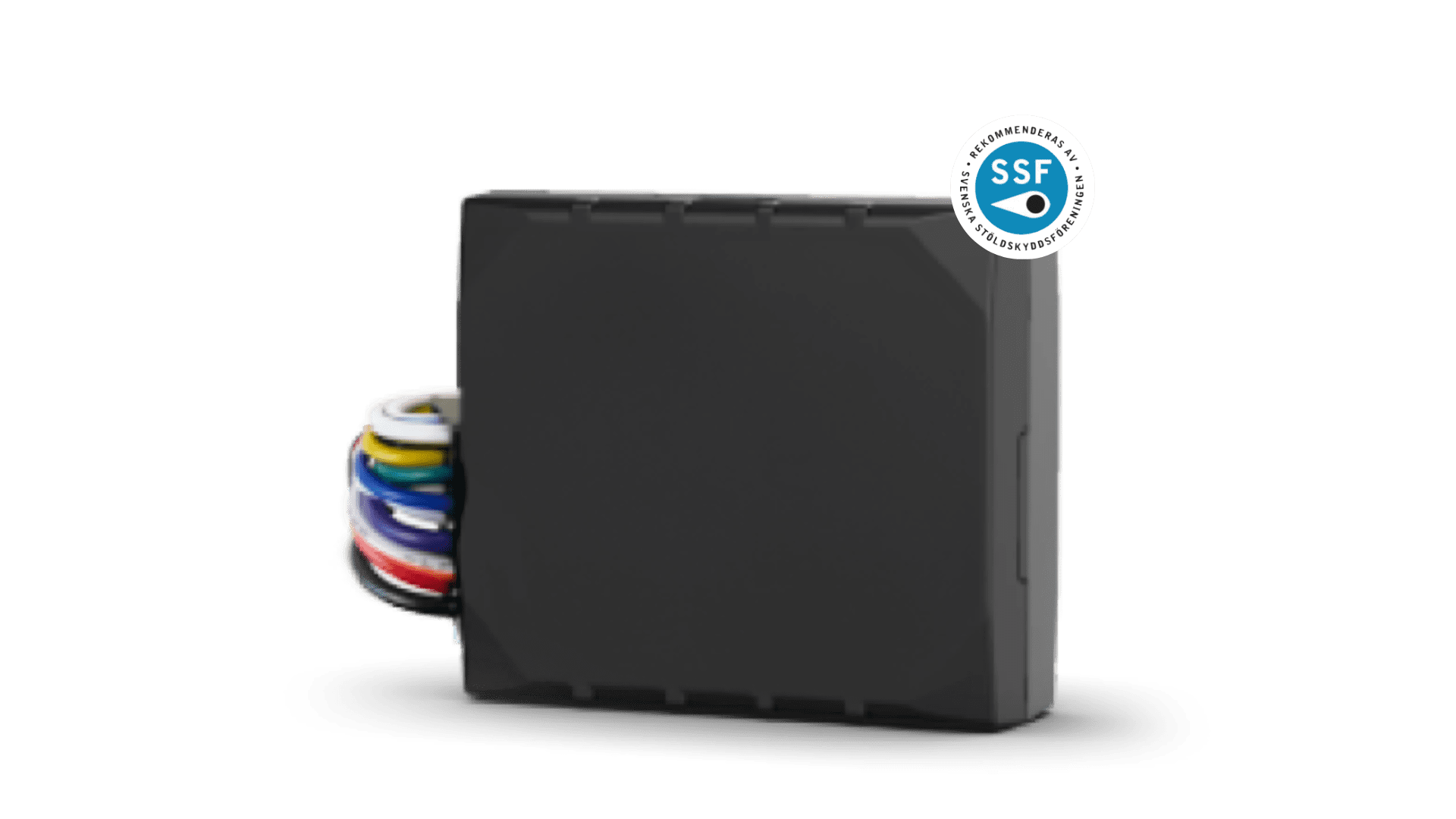
DIN is used to read signals from external sources. If you connect it to a level monitor or a bilge pump, you will receive an alarm if it is activated. It is easily connected to external equipment when you want to know if it has been triggered.
DOUT is used to control equipment, either manually or automatically via incoming alarms from DIN.
With DOUT, for example, you can turn on the refrigerator and heater before arriving at the boat, so the beer is cold and the boat is warm. If you configure DIN to activate DOUT automatically, a siren can be triggered if someone steps on a pressure mat in the vehicle.
Temporary GPS interference or installation in a location where it has difficulty receiving a strong GPS signal.
The device may be in power-saving mode. Press Active Tracking to force it to update.
If you have set up a safety zone around the device, you will receive an alarm according to the details entered under alarm recipients, and you can track the position in real time. Using the theft report, you can easily forward information to your insurance company and the police. Contact NorthTracker if you need assistance tracking the device or in your communication with the police.
The subscription is registered automatically when you create your account, together with the device’s IMEI number.
The invoice is normally sent the month after registration.
Unfortunately, GPS technology is not flawless and may lose contact with satellites if the device is installed in an unsuitable location in the vehicle, or if the vehicle is stored under a metal roof or in a garage. This will result in poor or no reception.
The device should be placed in a way that makes it difficult for a potential thief to detect. At the same time, it must have clear contact with the GPS satellites, so avoid installing it under metal or carbon fiber, as this blocks the GPS signal. You may contact a workshop for installation assistance or contact support for further instructions.
When moving: every 150 seconds.
When stationary: every 24 hours.
Yes – but not all of them, and some need to be modified to work. See below which ones can be used and how they should be connected.
The siren is connected to one of the outputs (DOUT) on Machine Connect. In the app, you can configure the output to be activated automatically when one of the inputs (DIN) triggers an alarm, and you can also time-control the output so that the siren sounds for a preset number of seconds.
Yachtsafe’s pressure mat is wireless but has a long cable extending from it. You can cut off the wireless transmitter box and instead connect the mat directly: one wire to +12 V and the other to a digital input (DIN) on Machine Connect.
The device draws virtually no power until someone steps on the mat, and even then the consumption is very low. The advantage of using a wired connection is that you eliminate the risk of a battery running out.
If you have the older Yachtsafe level monitor (the larger unit with a black plastic wheel on the side), it is not compatible with Machine Connect.
However, the newer small white level monitor with a cable connected to a radio transmitter can be used: remove the radio transmitter and connect the sensor directly to Machine Connect — one wire to +12 V and the other to a digital input (DIN).
The Yachtsafe shore power monitoring unit cannot be modified. However, Machine Connect includes built-in monitoring of the service battery bank, including an alarm function where you can set the voltage level at which you want to receive an alert.
If you have a charger that maintains the battery bank, the voltage will typically not drop below approximately 13.1 V. In that case, you can set the alarm in Machine Connect to, for example, 13.0 V. If shore power is interrupted, the charger will stop charging and the voltage will drop — triggering an alarm within approximately one minute.
If you do not have a battery charger connected, you can install a 220V relay to receive an alarm. This solution also works with 24V systems.
If you have an IR detector/motion sensor from Yachtsafe, it can be modified if you have some technical skills. However, we generally do not recommend using motion sensors, as they often generate false alarms.
If you still want to use one, you can purchase any motion sensor that provides an alarm output via NC or NO:
NC = Normally Closed
NO = Normally Open
If you are able to solder, the Yachtsafe motion sensor can be modified. Inside the unit there is a small LED — this is the one that lights up red when someone passes in front of the device. You can solder one of our sensor cables to the LED connection so that the system detects when current flows through it and triggers an alarm.
If this does not help, contact NorthTracker support:
Tel: +46 8 25 96 00
Email: info@northtracker.com
Genom att fylla i detta formulär godkänner du att vi hanterar dina uppgifter. Läs mer hur vi hanterar din data här: Länk till integritetspolicy
Genom att fylla i detta formulär godkänner du att vi hanterar dina uppgifter. Läs mer hur vi hanterar din data här: Länk till integritetspolicy
En remplissant ce formulaire, vous acceptez que nous traitions vos données personnelles.
En savoir plus sur la gestion de vos données : lien vers la politique de confidentialité.
Genom att fylla i detta formulär godkänner du att vi hanterar dina uppgifter. Läs mer hur vi hanterar din data här: Länk till integritetspolicy
En remplissant ce formulaire, vous acceptez que nous traitions vos données personnelles.
En savoir plus sur la gestion de vos données : lien vers la politique de confidentialité.