

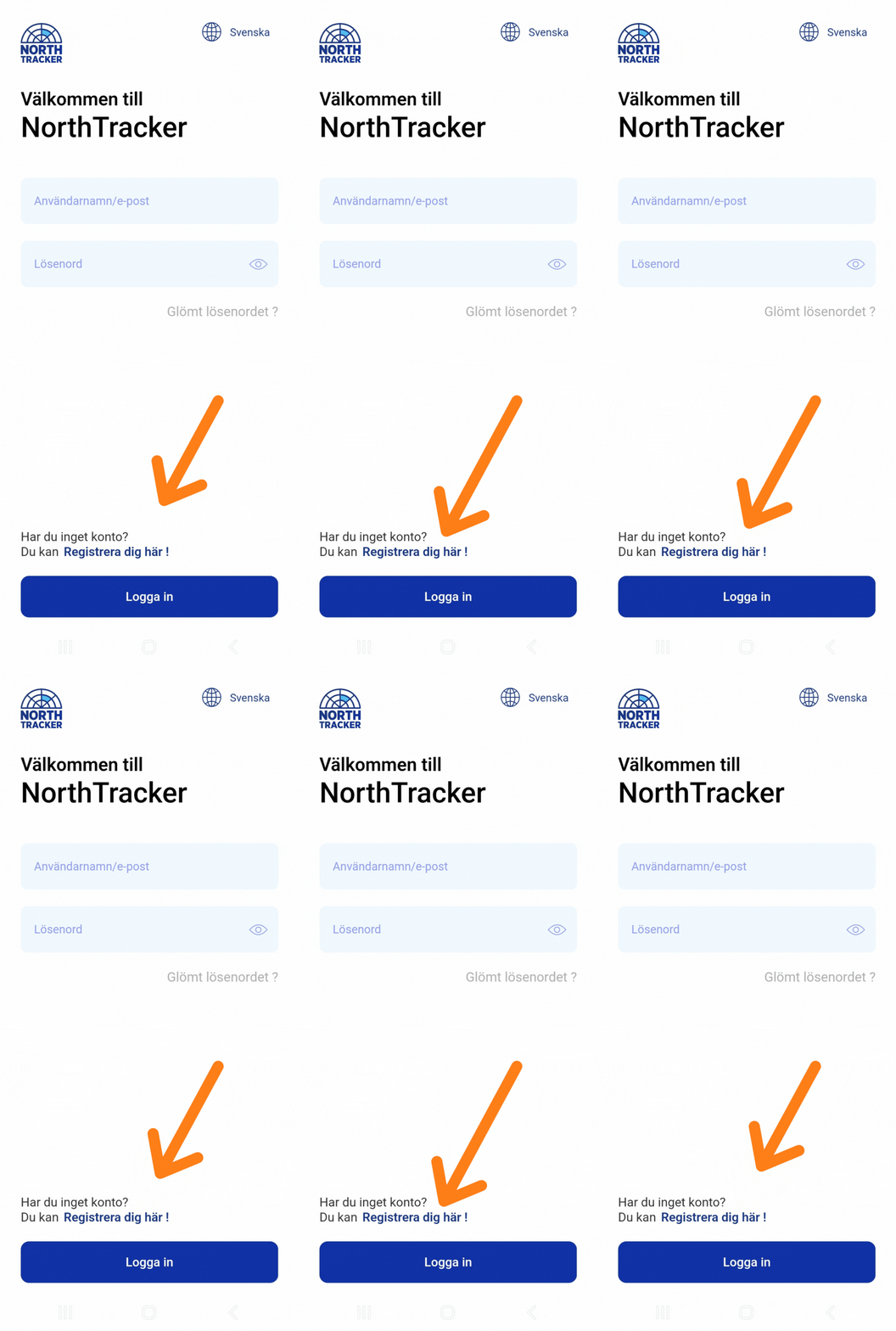
2. Register an Account
Read and accept the terms and conditions
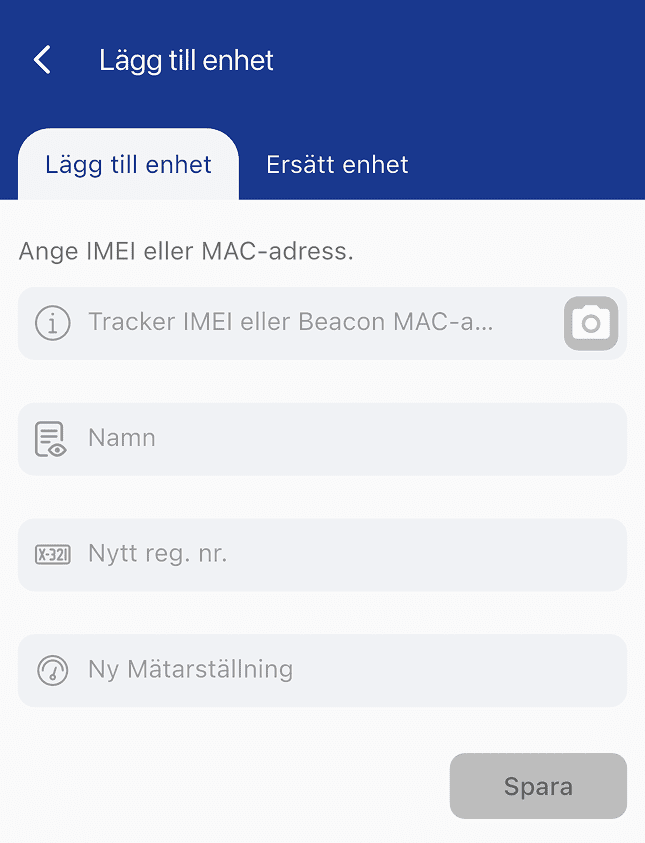
3. Add Registration Number & Odometer Reading
Remember to add the vehicle registration number each time you activate a new device.
You may also enter the vehicle’s current odometer reading.
4. Start and Install the Device
OBD-II: Insert the OBD-II device into the vehicle. The port is often located on the left side under the dashboard.
Machine Easy: Connect the red cable to the positive terminal of the vehicle battery and the black cable to the negative terminal.
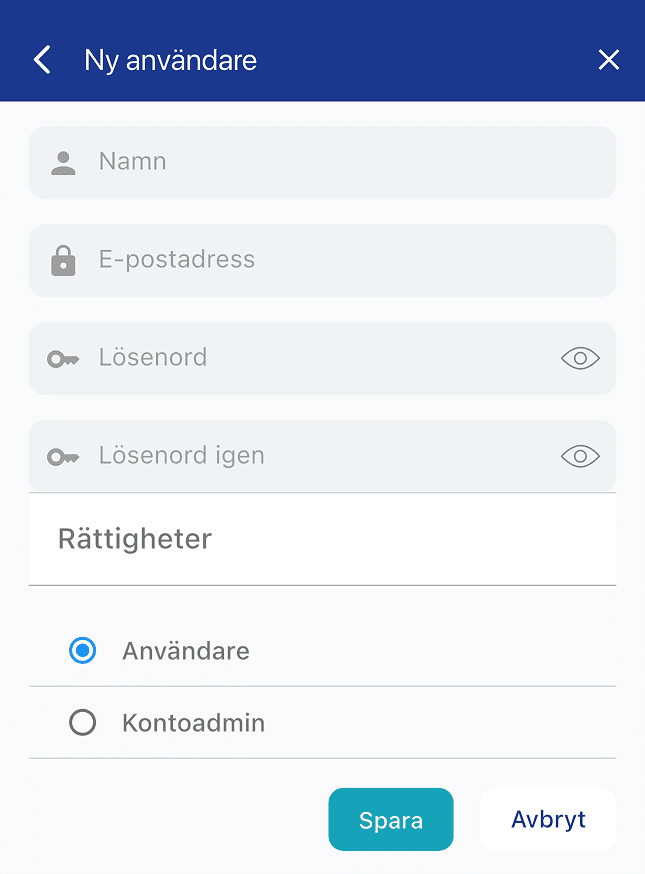
Optional: Add More Users

Activate the Device
Some devices require movement to activate. Drive a short distance at a minimum speed of 4 km/h to activate the GPS tracker.
If the Device Triggers an Alarm
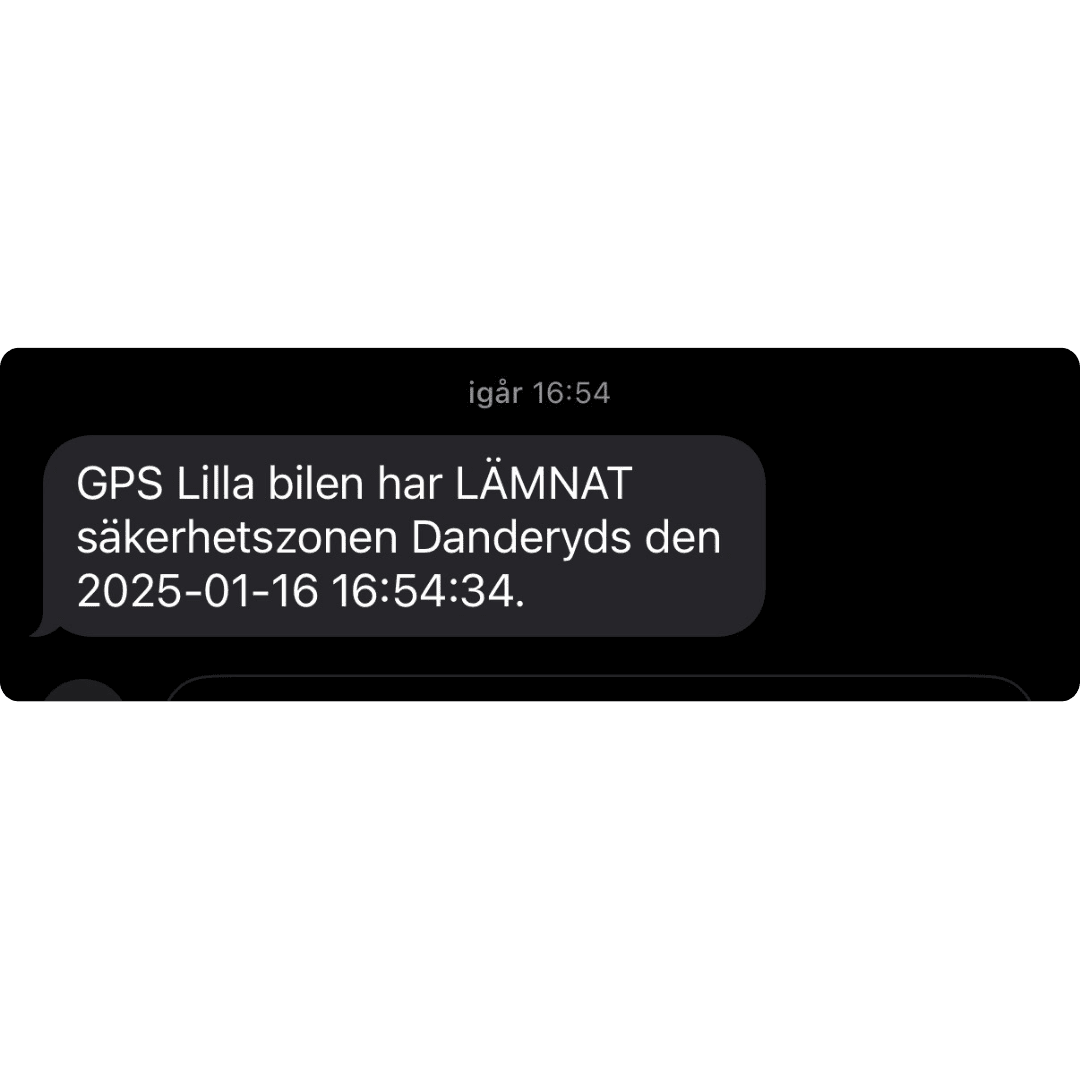
If the GPS tracker loses power supply, an alarm will be sent via push notification, email, and SMS.
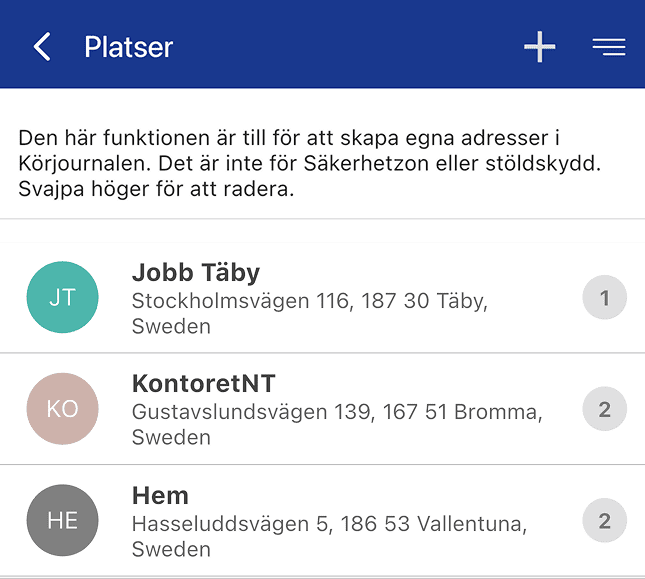
If you frequently visit the same location, you can teach the system to recognize the place and thereby reduce manual handling in the driving log report.
Click Places → Select Unit → Enter the address → Edit rules → Check the box under I choose
Name the location (in the field below the address field)
Save
To create your first driving log report:
Click Driving Log → Select your car → Choose period → Create driving log
Select which trips are business or private
Click Send
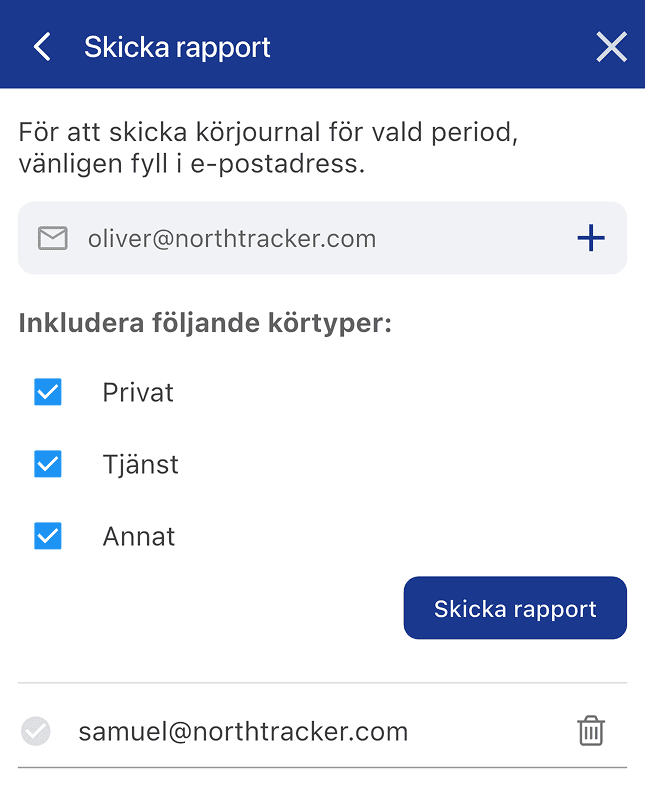
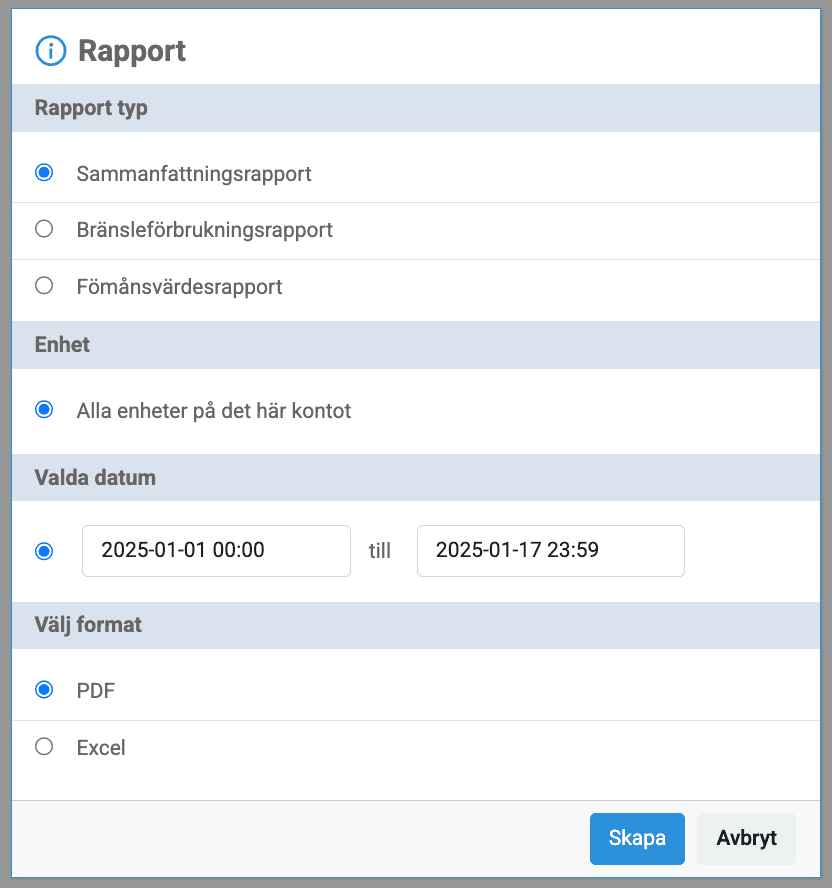
If your company has multiple vehicles in the same system, you can create a summary report for all vehicles’ trips. You will find all reports under the Driving Log tab.
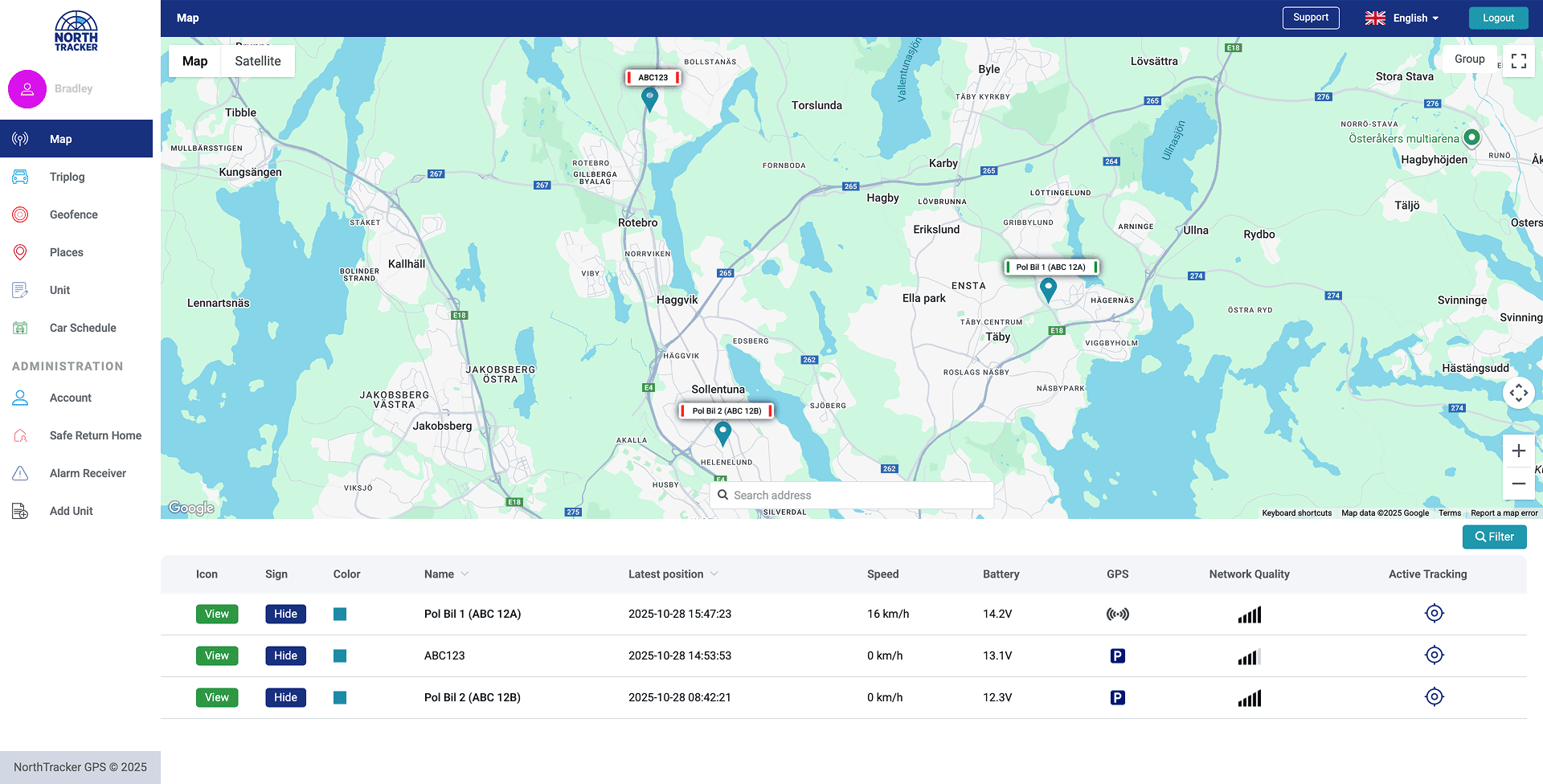
If you have multiple vehicles in the same system, you can see all company cars on the same map in real time. This can, for example, be used to dispatch the nearest service vehicle to the next assignment.
Genom att fylla i detta formulär godkänner du att vi hanterar dina uppgifter. Läs mer hur vi hanterar din data här: Länk till integritetspolicy
Genom att fylla i detta formulär godkänner du att vi hanterar dina uppgifter. Läs mer hur vi hanterar din data här: Länk till integritetspolicy
En remplissant ce formulaire, vous acceptez que nous traitions vos données personnelles.
En savoir plus sur la gestion de vos données : lien vers la politique de confidentialité.
Genom att fylla i detta formulär godkänner du att vi hanterar dina uppgifter. Läs mer hur vi hanterar din data här: Länk till integritetspolicy
En remplissant ce formulaire, vous acceptez que nous traitions vos données personnelles.
En savoir plus sur la gestion de vos données : lien vers la politique de confidentialité.